AI Video for Business: How Companies Can Create Better Video Content Faster
Sohel
September 27, 2026
8 min read
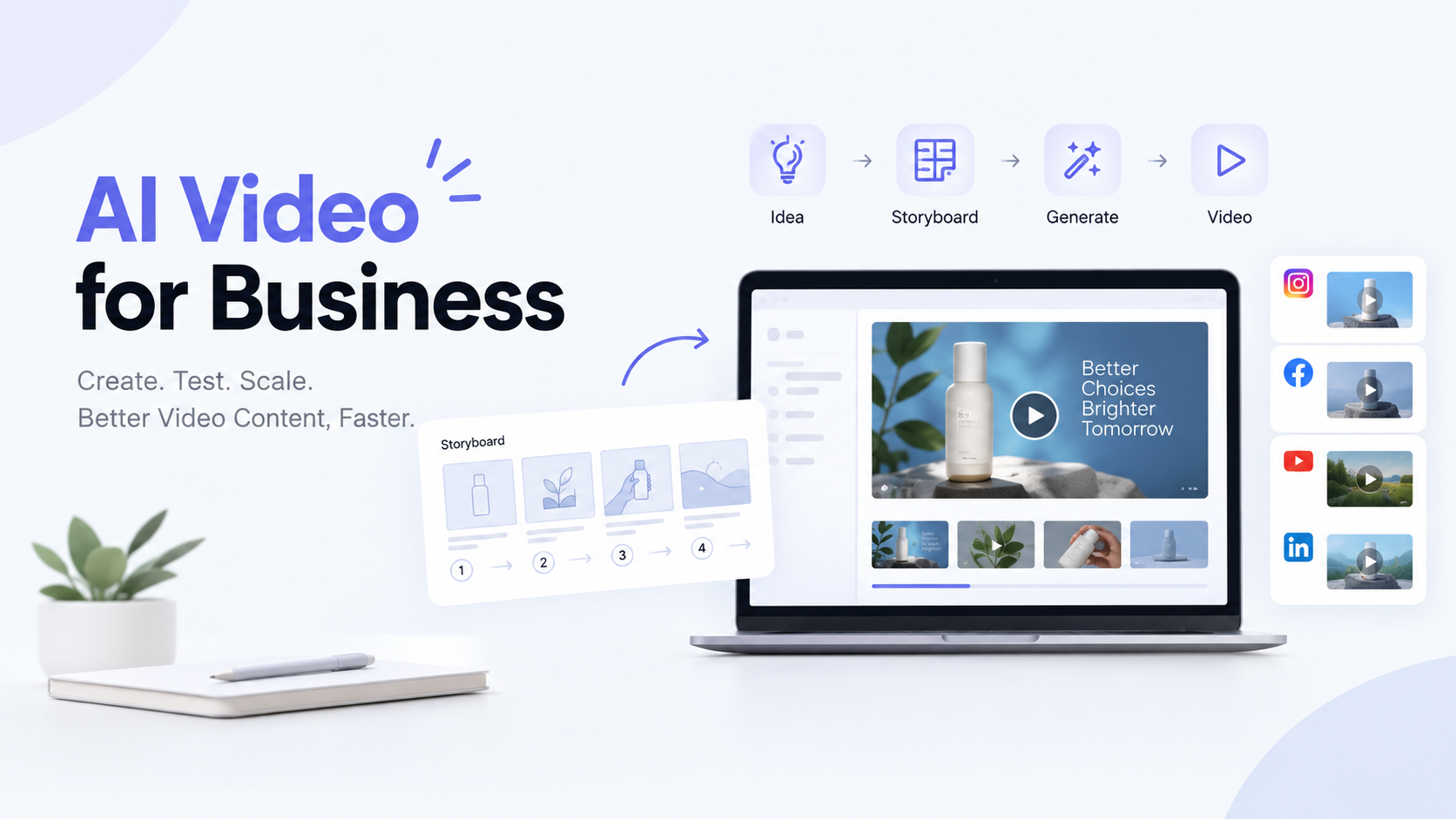
Video now shapes how customers find, judge, and buy from brands. Social feeds, ad platforms, product pages, and inboxes all reward it.
The catch is production. Scripting, shooting, editing, and revising one video can take weeks, and every extra version adds cost. That makes it hard to keep up with the volume of video content for businesses today.
AI video for business offers a more flexible route. Teams can turn ideas, text, and images into video, review it, and refine it quickly. Platforms like Dilogs AI, an AI ad generator built around storyboarding, are part of this shift. This guide explains where AI video helps and how to use it well.
AI video for business is the use of artificial intelligence to plan, generate, and edit videos for marketing, advertising, and brand communication. A business video generator can turn a text prompt, product image, or storyboard into video.
Three approaches are worth separating:
Most businesses will mix all three.
Businesses use AI video because it shortens the path from idea to finished video. The main reasons:
AI does not replace professional video production. Flagship brand films, live events, and shoots with real people still benefit from a skilled crew.
Businesses can use AI-generated videos for marketing across social media, ads, product pages, and campaigns.
Short clips suit Instagram, Facebook, LinkedIn, YouTube, and TikTok, and AI helps teams adapt each one to the platform.
AI video advertising lets brands build several ad variations to test products, visuals, and messages.
Product images and ideas can become short videos that show features and context.
Online stores can create product videos and ad creatives without arranging a shoot for every item.
Marketing teams can visualize concepts during ideation and share them before full production.
One topic can become a video for blogs, landing pages, and social posts.
Agencies can manage creative production for multiple clients with faster drafts and easier revisions.
The main benefits are speed, scale, and room to experiment:
Results still depend on your strategy, inputs, and review process.
| Factor | Traditional Video Production | AI Video |
|---|---|---|
| Production time | Often longer, with planning, shooting, and editing | Often shorter for drafts and variations |
| Creative testing | Testing many concepts is costly | Easier to explore several concepts |
| Content variations | Each version usually needs extra work | Variations can start from one idea |
| Production workflow | Several people and tools across stages | Can be consolidated in one platform |
| Scalability | Scales with crew, time, and budget | Scales more easily across formats |
| Cost considerations | Higher fixed costs; suits premium work | Lower effort per variation; costs vary by tool |
| Flexibility | Strong control over real people and locations | Flexible for concepts; less suited to live footage |
Neither is always cheaper or better. The right choice depends on the project.
You can create business videos with AI in nine steps:
Steps 2 to 5 decide how good the final video will be.
Storyboarding matters because it lets you plan and review a video before generating it. A storyboard is a scene-by-scene visual plan of what viewers will see and read.
Without one, teams often generate random clips and try to assemble them afterward. A storyboard helps you:
Choose an AI video generator by matching features to your workflow, not by hunting for one “best” tool. Consider:
Test a few tools on a real project before committing.
Dilogs AI is an AI-powered platform for creating advertising and marketing videos. It is an AI ad generator and creative production platform, not a digital marketing agency. It includes:
Start with a clear marketing objective - Plan the story before generating - Keep brand identity consistent - Create and test multiple variations - Make videos platform-specific - Review AI output carefully - Pair AI with human creative direction - Track actual campaign performance ## Common Mistakes Businesses Should Avoid
Generating videos without a clear objective - Creating random clips without a story - Ignoring brand consistency - Using one creative for every platform - Producing lots of content without testing - Focusing only on visual quality - Skipping review of AI outputs - Expecting AI to replace creative strategy ## Frequently Asked Questions
Ans: It means using AI to plan, generate, and edit videos for marketing and advertising. Teams turn text, images, or storyboards into video, producing content faster and with less production effort.
Ans: Yes. AI video ads can be created from prompts, product images, or storyboards. They still need human review for quality, brand fit, and accuracy before you spend ad budget.
Ans: Yes. Small teams without big budgets can produce marketing videos without a full shoot. Check pricing, usage limits, and commercial rights first.
Ans: AI video is often faster for drafts, variations, and testing. Traditional production gives more control over real people and locations. Many teams combine both.
Ans: Set a clear objective, plan scenes in a storyboard, keep branding consistent, and tailor each ad to its platform. Then test variations and learn from the results.
Ans: Look for ease of use, output quality, creative control, editing, storyboarding, brand consistency, export options, clear pricing, and commercial usage rights.
AI video helps businesses create, test, and scale video content more efficiently. But tools alone do not make great videos. The best results come from combining strategy, storyboarding, creative direction, AI generation, and testing.
Want a workflow that starts with a plan instead of random clips? Explore Dilogs AI and see how AI storyboarding and video creation can fit your next campaign.
| AI Instagram Ad Generators | Alternatives to Sora |
|---|---|
| Gemini vs Copilot | Adidas Uses AI |
| What is AI in Marketing? | Perplexity vs ChatGPT |
Generate the next concept
Use the AI storyboard generator, connect Dilogs in Claude and ChatGPT, or check pricing.