How to Write Perfect Prompts for AI Image Animation
Sohel
November 10, 2025
10 min read
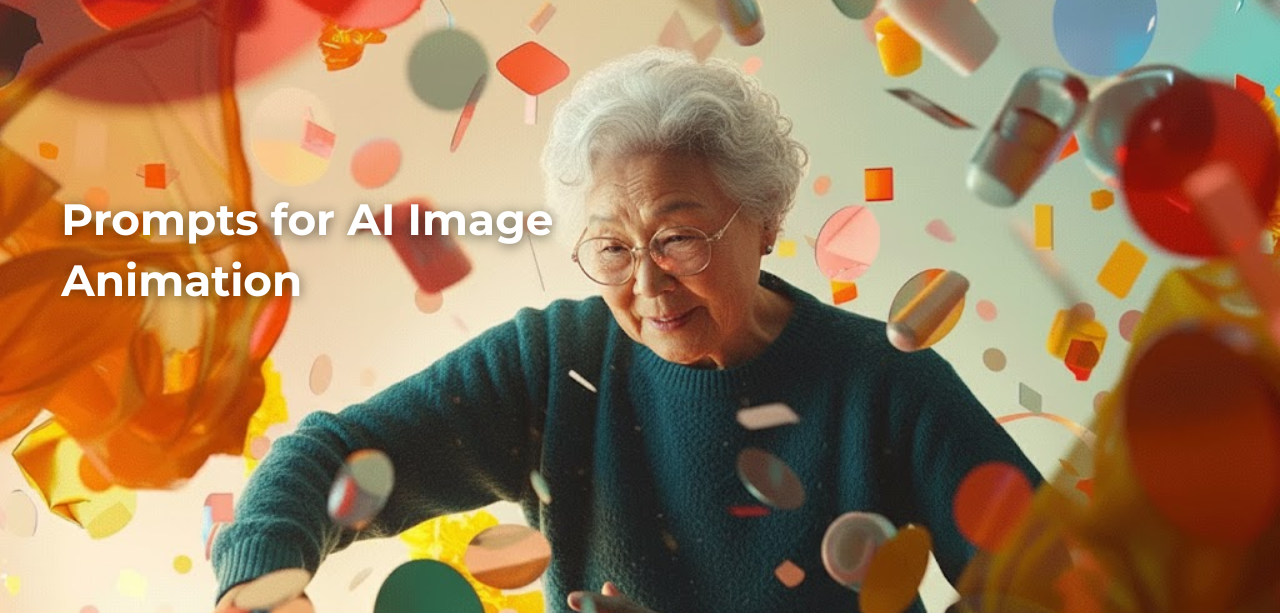
AI Image animation has revolutionized how we bring static images to life, transforming ordinary Images into dynamic, captivating videos. Whether you’re using tools like Runway ML, Pika Labs, Stable Video Diffusion, or other AI animation platforms, the quality of your output depends heavily on one critical factor: your prompts.
Master the art of the prompt. This comprehensive guide breaks down the science of AI image animation, teaching you how to write precise instructions that deliver high-end, studio-grade results every time you hit generate.
AI Image animation prompts are text instructions you provide to artificial intelligence tools to describe how you want your static image to move, transform, or animate. These prompts act as a blueprint, guiding the AI to understand your creative vision and generate motion that matches your expectations.
Think of prompts as a conversation with the AI—the clearer and more specific you are, the better the results you’ll receive.
Poor prompts lead to unpredictable results, wasted time, and frustrating revisions. Perfect prompts deliver:
Start by identifying what element in your Image should animate. Be specific about the subject rather than using vague descriptions.
Weak prompt: “Make it move”
Strong prompt: “Animate the woman’s hair blowing gently in the wind while her dress sways softly”
The AI needs to know exactly what should move and what should remain static. Always specify the primary subject first.
Motion description is the heart of animation prompts. Include both the type of movement and its direction.
Motion types to specify:
Examples:
Movement speed dramatically affects the mood and realism of your animation. Always include pacing descriptors.
Speed descriptors:
Example with speed: “The waterfall flows rapidly downward while mist rises slowly from the base”
Environmental context helps the AI understand the physics and mood of the scene.
Consider including:
Example: “Leaves fall slowly from the tree branches in a gentle autumn breeze, with golden sunlight filtering through and creating dappled shadows that shift subtly”
Equally important as what moves is what shouldn’t move. Specify static elements to prevent unwanted animation artifacts.
Example: “The person’s face remains completely still while only their hair and clothing move in the wind”
This prevents common issues like facial distortion or unnatural body movements.
Aesthetic descriptors help the AI understand the emotional tone and visual style you’re aiming for.
Mood descriptors:
Example: “Create a cinematic, dreamlike animation where the subject appears to float weightlessly with smooth, ethereal movements”
When your AI tool supports technical parameters, include them for maximum control.
Technical elements:
Here’s a proven formula that works across most AI animation platforms:
[Subject] + [Motion Type] + [Direction] + [Speed] + [Environmental Context] + [Static Elements] + [Style/Mood]
Portrait Animation: “Animate the young woman’s long brown hair flowing gracefully to the right in a gentle breeze, while her face and body remain perfectly still. The movement should be slow and natural, with a soft, cinematic quality. Background stays static.”
Landscape Animation: “The ocean waves roll smoothly toward the shore in a continuous, medium-paced motion. Clouds drift slowly from right to left across the sky. The beach and rocks remain completely still. Create a peaceful, realistic atmosphere with natural lighting.”
Product Animation: “The perfume bottle rotates slowly clockwise on its axis, completing one full 360-degree rotation. Soft light reflections glide smoothly across the glass surface. The background and surface beneath remain static. Style: elegant, luxury commercial.”
Fantasy Scene: “Magical particles of light float upward slowly around the fairy character, spiraling gently in random patterns. The fairy’s wings flutter delicately with a subtle up-and-down motion. Her body sways almost imperceptibly. The forest background remains still. Style: ethereal, dreamy, fantasy.”
Runway responds well to natural language and cinematic terminology. Include camera movements and use film industry terms like “dolly,” “pan,” or “tracking shot.”
Example: “Slow dolly zoom on the subject’s face while maintaining sharp focus. Cinematic, 24fps feel.”
Pika excels with detailed motion descriptions and benefits from specifying motion parameters with numerical values when possible.
Example: “Camera zoom: -1 (zoom out slowly), motion strength: 3, create subtle parallax effect with foreground elements moving faster than background.”
Dilogs offers intuitive animation controls with support for both simple and complex motion prompts. The platform performs well with natural language descriptions and allows for precise control over animation parameters.
Example: “Character’s hair flows smoothly to the left while fabric drapes move gently. Keep facial features static. Medium speed with natural physics. Cinematic lighting with soft shadows.”
Works best with shorter, focused prompts emphasizing the primary motion. Avoid overly complex multi-element animations.
Example: “Gentle hair movement, wind blowing right, natural motion.”
Responds well to detailed scene descriptions and handles complex multi-element animations effectively.
Example: “The dancer spins gracefully counterclockwise while her dress flows outward. Stage lights pulse softly in the background. Smooth, professional stage performance style.”
“Make it look cool” or “animate this” gives the AI nothing to work with. Always be specific about what, how, and where movement should occur.
“Move slowly and quickly” or “stay still while moving” confuses the AI. Be consistent with your motion descriptions.
Trying to animate too many elements at once often produces chaotic results. Start simple, then add complexity gradually.
Requesting physically impossible movements like “water flowing upward naturally” will produce unrealistic results. Work with natural physics unless deliberately creating surreal effects.
If you don’t mention what should stay still, the AI might animate everything, creating unwanted distortions.
For complex scenes, create animations in layers by specifying primary, secondary, and tertiary movements.
Example: “Primary motion: Character walks forward steadily. Secondary motion: Their coat billows behind them in the wind. Tertiary motion: Dust particles kick up from their footsteps and drift slowly in the air.”
Link movement characteristics to emotional states for more impactful animations.
Example: “The subject’s posture shifts with slow, heavy movements expressing sadness. Shoulders slump gradually. Head tilts downward gently. All motion is subdued and weighted.”
Describe how motion should evolve throughout the animation duration.
Example: “First 2 seconds: Camera slowly zooms in on the flower. Seconds 3-4: Petals begin to gently open. Final 2 seconds: Full bloom achieved while the camera holds position.”
Compare the desired motion to real-world references that the AI can understand.
Example: “Hair moves like in a shampoo commercial—slow-motion, bouncy, voluminous movement. Dress flows like silk in fashion runway lighting.”
Focus on subtle, natural movements. Hair, clothing, and accessories are ideal animation targets. Keep facial features static unless specifically animating expressions.
Best practices:
Emphasize natural phenomena like water flow, cloud movement, or vegetation swaying. Create depth through differential motion speeds.
Best practices:
Highlight products through controlled rotation, lighting effects, or elegant reveals. Maintain clean, professional aesthetics.
Best practices:
Enhance existing motion or add dynamic environmental elements that complement the action.
Best practices:
Perfect prompts often require refinement. Follow this systematic approach:
“[Subject description] with [hair/clothing element] [motion verb] [direction] [speed adverb]. Face and body remain still. [Atmospheric element] creates [lighting effect]. Style: [mood adjective], [aesthetic type].”
“[Foreground element] [motion verb] [direction] at [speed]. [Middle ground element] [motion verb] [different speed]. [Background element] remains static. [Weather condition] with [lighting description]. Style: [realistic/dreamy/etc].”
“[Product name] [rotation/movement type] [direction/angle] at [speed]. [Lighting element] [motion description]. Background [static/subtle motion]. Style: [luxury/commercial/modern/etc], [technical quality].”
“Camera [movement type] [direction] while [subject] [action verb] [direction]. [Environmental elements] [motion description]. Lighting [changes description]. Style: cinematic, [fps preference], [film genre].”
Once you’ve created perfect animations with perfect prompts, optimize them for visibility:
AI animation technology evolves rapidly. Stay ahead by:
READ ALSO:- 50 Cinematic Prompts to Turn Images into Videos
Writing high-performance prompts for AI animation is where artistic intent meets scientific execution. To achieve professional results, your formula must integrate four key elements: a specific subject, a precise description of movement, a rich atmospheric setting, and a definitive stylistic direction.
Start with the basic formula, experiment with the templates provided, avoid common mistakes, and continuously refine your approach based on results. With practice, you’ll develop an intuitive understanding of how AI interprets motion instructions, allowing you to create increasingly sophisticated and professional animations.
The difference between average and exceptional AI animations often comes down to prompt quality. Invest time in mastering this skill, and you’ll unlock the full creative potential of AI Image animation tools, producing stunning results that captivate audiences and bring your creative vision to life.
Remember: every great animation starts with a perfect prompt. Now you know how to write them consistently. Start experimenting, keep refining, and watch your static Images transform into mesmerizing motion masterpieces.